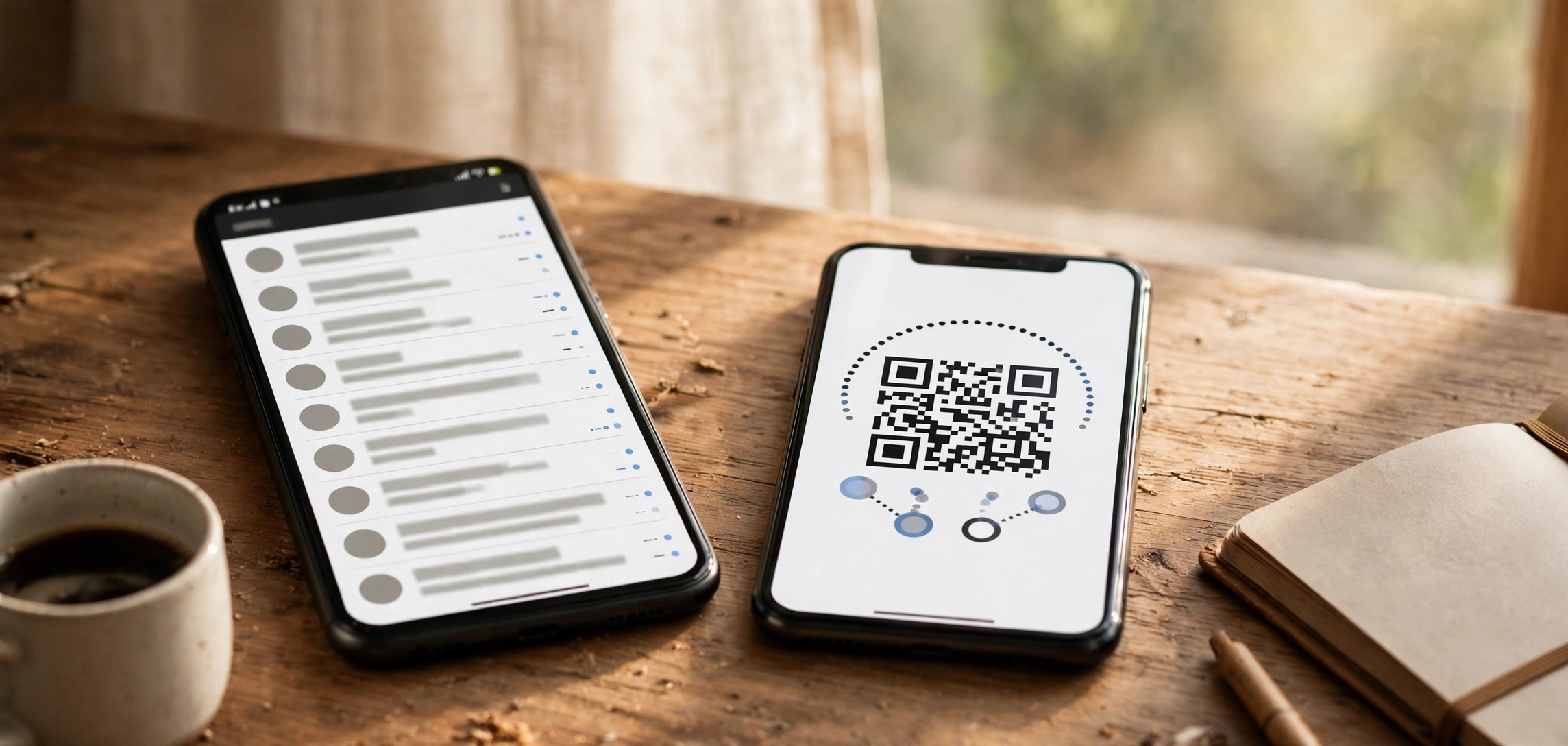
So you keep wondering who viewed my Instagram profile? Here is the honest answer: no. Instagram does not show you who viewed your profile, and no app, website, or trick can give you that list. Every service claiming otherwise is lying to you. Millions of people search for “who viewed my Instagram profile” every month — and that exact curiosity is what scammers build fake apps around. Understanding why Instagram hides this, and what you can legitimately see instead, will save you from scams, protect your login credentials, and show you the real signals Instagram actually gives you about your audience.
- The Short Answer: Instagram Does Not Show Profile Viewers
- Why Instagram Will Never Add Profile Viewer Tracking
- “Profile Viewer” Apps Are Scams
- What You CAN Legitimately See on Instagram
- How to Switch to a Professional Account for Insights
- How to Protect Your Instagram Account
- Frequently Asked Questions
- The Bottom Line
The Short Answer: Instagram Does Not Show Profile Viewers
Instagram has no profile-view history feature. Not in the app, not on the web, not in the API, and not behind a paid tier. There is no toggle, hidden menu, or setting that answers “who viewed my Instagram profile” — the feature was never built. If you are hoping a recent update quietly added one, it has not.
This is not an oversight. Instagram, like Facebook (Meta owns both), deliberately hides viewer identities. Profile visits are counted in aggregate for professional accounts — you can see how many people visited — but never who they were. Anyone telling you they have a way around this is trying to get something from you: usually your login details, your money, or both.
Why Instagram Will Never Add Profile Viewer Tracking
Instagram’s silence is a deliberate product decision, and it is unlikely to change. First, privacy: the moment Instagram revealed viewer identities, every anonymous browsing session would become traceable. People browse profiles of ex-partners, employers, and strangers for legitimate reasons. Making that visible would create a chilling effect — fewer visits, less engagement, a worse product. LinkedIn offers viewer lists because it is a professional network where that drives networking; Instagram is a social network where anonymous browsing is part of the design.
Second, the API does not expose it. Instagram’s official API — the only legal way for third-party software to read account data — contains no endpoint for profile viewers. That is the single most important technical fact here: because the API does not have the data, no legitimate third-party app can have it either. Any app claiming to list your profile viewers is fabricating the list. That is why every search for “who viewed my Instagram profile” ends at the same dead end — the platform is architecturally opposed to the feature.
“Profile Viewer” Apps Are Scams
Search your phone’s app store for “who viewed my Instagram profile” and you will find dozens of apps with millions of downloads and suspiciously good ratings. They are all fake. Every single one. They stuff the exact phrase “who viewed my Instagram profile” into their app names, screenshots, and descriptions purely to rank for your curiosity.
How These Apps Harvest Your Credentials
Most follow the same playbook. You download the app, and it asks you to log in with your Instagram username and password. Stop right there — this is the trap. A legitimate service that could answer “who viewed my Instagram profile” would never need your password, because no legitimate service can answer the question at all. Real integrations use Instagram’s secure OAuth login on Instagram’s own pages and never see your password.
When you hand your password to a “viewer” app, a stranger gains full control of your account: posting, messaging your contacts, changing your linked email and phone, and locking you out. Many of these apps are outright credential-harvesting operations — they collect logins in bulk, then sell them or use the accounts for spam, crypto scams, and fake-follower farms.
What “Viewer” Apps Actually Show You
Since the app cannot see your real profile viewers, it fakes the list. The moment an app claims to reveal “who viewed my Instagram profile,” you know its list is invented. Common tricks include recycled interaction data (recent likers and commenters relabeled as “viewers”), randomized picks from your own follower list with made-up timestamps, and the paywall reveal — blurred faces you must pay a weekly subscription to “unlock,” with nothing real behind the blur. Install the same app on two phones on the same account and the “viewers” will differ, because the data is fabricated. Do not trust the star ratings either; these apps beg for five-star reviews before showing anything.
How to Check Whether Your Account Is Compromised
If you installed an app after searching “who viewed my Instagram profile,” assume your credentials are compromised until proven otherwise. Go to Settings → Accounts Centre → Password and security → Where you’re logged in, review every session, and terminate anything unfamiliar. Change your password immediately, enable two-factor authentication, and verify your linked email and phone number under Accounts Centre → Personal details in case the app swapped them.
Also check Settings → Business tools → Apps and websites and revoke any third-party access you do not trust. Watch for warning signs: posts you did not publish, DMs you did not send, follows you did not make. If you are locked out, use Instagram’s account-recovery flow with your original email and phone — and never enter your credentials on a third-party site again.
What You CAN Legitimately See on Instagram
The bad news is over. While nothing can tell you exactly who viewed your Instagram profile page, Instagram does give you several genuine windows into who is watching. They are real, free, and safe.
Story Viewers: The One Real Viewer List
Stories are the one place Instagram shows you exactly who viewed your content. Open your Story and swipe up — Instagram lists every account that viewed it. This is the closest thing to a “who viewed my Instagram profile” feature that exists. The list disappears after 48 hours, and watching a Story is not the same as visiting a profile — but if you want to know who is paying attention to you, Stories are your best legitimate tool. Nothing else on the platform answers “who viewed my Instagram profile” as directly. Instagram’s own Help Center confirms only you can see who viewed your story.
Reels and Live Viewers
Reels show view counts, and you can see which accounts liked a Reel — not a “who viewed my Instagram profile” list, but a real signal of who engaged. Instagram Live goes further: you see viewers join in real time and can see who watched afterward. If the same follower keeps appearing in your Story viewers and Live viewers, that is genuine interest — no scam app required. This is engagement intelligence, not a “who viewed my Instagram profile” list, but it is real. If Reels autoplay is driving you crazy while you browse, you can turn off auto scroll on Instagram Reels and scroll on your own terms.
Profile-Visit Counts in Insights (Professional Accounts)
Professional accounts (Creator and Business) get Instagram Insights, which includes a Profile visits metric: the number of times your profile was viewed over a chosen period. The total answers “how many” — never “who viewed my Instagram profile” — but you also get audience demographics like age, gender, and location. Correlate spikes in profile visits with specific posts to learn what drives curiosity about you. Studying high-performing content is easier when you save references; you can download Instagram Reels without a watermark for offline inspiration.
Follower Growth Signals
The simplest signal of all: new followers. Someone who visits your profile and likes what they see often follows you. An unfamiliar account that suddenly follows you is, in many cases, the real-world answer to “who viewed my Instagram profile” — they viewed, and then they acted on it. Watching your follower list for unfamiliar names is the most honest viewer intelligence Instagram offers.
How to Switch to a Professional Account for Insights
Switching to a professional account is free, takes under a minute, and unlocks the Insights dashboard with profile-visit counts and audience demographics. If you want Instagram’s closest legal equivalent to a “who viewed my Instagram profile” report, this is it. Here is how:
Step 1: Open Instagram, go to your profile, tap the three-line menu, then Settings and privacy.
Step 2: Tap Account type and tools, then Switch to professional account.
Step 3: Choose Creator (individuals, influencers, public figures) or Business (brands, local businesses). You can change this later.
Step 4: Pick the category that best describes you and decide whether to display it on your profile.
Step 5: Tap Done.
Now tap the Professional dashboard at the top of your profile to open Insights. Under your profile activity metrics you will find profile visits, reach, and audience breakdowns. Note that Insights only collects data from the moment you switch — it cannot show history from before, so do it sooner rather than later. You can switch back to a personal account from the same menu any time.
How to Protect Your Instagram Account
Curiosity about “who viewed my Instagram profile” is exactly the emotion scammers exploit. If you arrived here after searching the phrase and installing a viewer app, start with the credential check above, then lock things down:
Never enter your Instagram password on a third-party site or app. Real integrations use Instagram’s own login screen. If an app asks for your password directly, delete it.
Turn on two-factor authentication. Go to Settings → Accounts Centre → Password and security → Two-factor authentication, and enable it with an authenticator app (more secure than SMS). Even with your password stolen, attackers cannot get in without the second factor.
Audit third-party access regularly. Under Settings → Business tools → Apps and websites, revoke anything you do not actively use. Old authorizations are forgotten backdoors.
Make your account private if it bothers you. A private account means only approved followers see your posts — it will not reveal who viewed your profile, but it gives you control over who sees anything at all.
Watch for the red flags. “See who viewed your profile,” “find your secret admirers,” “track profile stalkers” — any app using this language is a scam, as is any site demanding “human verification” surveys before revealing results. Real Instagram features live inside the Instagram app, free, with no surveys. When in doubt, check Instagram’s official Help Center before trusting any third-party claim.
Frequently Asked Questions
Can I see who viewed my Instagram profile in 2026?
No. As of 2026, Instagram offers no feature — free or paid — that reveals who viewed your profile, and its official API exposes no such data. Any app or website claiming to answer “who viewed my Instagram profile” is fabricating its results, typically to harvest your login credentials or sell you a useless subscription. The only genuine viewer lists Instagram provides are for Stories and Live broadcasts.
Do “who viewed my profile” apps actually work?
No. Because Instagram’s API does not provide profile-viewer data, no third-party app can access it — the data simply is not available to them. These apps display recycled engagement data, random follower selections, or invented lists, often behind a subscription paywall. Many also steal your Instagram credentials when you log in through them, so searching “who viewed my Instagram profile” in an app store and installing what you find is one of the riskiest things you can do on the platform.
Can I see how many people visited my Instagram profile?
Yes — with a professional (Creator or Business) account. Instagram Insights shows a “Profile visits” metric with totals over custom date ranges, plus audience demographics like age, gender, and location. It will not show individual names, but the aggregate counts are accurate and useful for understanding what content drives profile traffic. Personal accounts do not get this metric.
Will Instagram ever add a profile viewer feature?
Extremely unlikely. Revealing viewer identities would undermine the casual, anonymous browsing that keeps engagement high and would create serious privacy concerns — imagine every employer or stranger seeing that you looked at their profile. That means the question “who viewed my Instagram profile” will almost certainly never get an official answer. Instagram and Facebook have both consistently avoided this. Only LinkedIn-style professional networks use viewer lists, because there it drives networking rather than fear.
How can I tell if someone is stalking my Instagram?
You cannot get a definitive stalker list — nothing can tell you exactly who viewed your Instagram profile page. But there are legitimate signals: check your Story viewer lists for repeat early viewers, watch for unfamiliar accounts liking old posts or appearing in your Live viewers, and use a professional account’s Insights to spot spikes in profile visits. If someone is harassing you, use Instagram’s block, restrict, and report tools, which are documented in the official Help Center.
The Bottom Line
So, who viewed my Instagram profile? Instagram will not tell you — and that is by design. No app can change that, because the data is never exposed outside Instagram. The dozens of “profile viewer” apps in your app store are scams built on the exact phrase “who viewed my Instagram profile,” and handing them your login is the fastest way to lose your account.
Use what Instagram actually gives you instead: Story viewer lists, Reels and Live viewers, follower activity, and — after a free switch to a professional account — real profile-visit statistics in Insights. Those are honest signals, they cost nothing, and they cannot compromise your account. Delete the viewer apps, turn on two-factor authentication, and enjoy the platform without the paranoia. The people who matter will show up in your followers and engagement — no sketchy app required.