Android phone overheating while charging is normal to a point — fast charging always generates some warmth — but if your phone gets uncomfortably hot to hold, throttles performance, or shows a temperature warning, something is wrong. The quickest check: unplug it, remove the case, and feel whether it cools down within a few minutes. If it does, heat was simply trapped; if it stays hot, a rogue app, a faulty charger, or a worn battery is the culprit.
This guide explains exactly why android phone overheating while charging happens and walks you through eight fixes, from switching to a certified charger to checking your battery health. It also tells you clearly where the safety line is: a warm phone is fine, but a swelling battery is a stop-everything emergency. Read the safety section before you try anything else.
- Safety first: when overheating is dangerous
- Why does your Android phone overheat while charging?
- How to fix android phone overheating while charging: 8 methods
- Method 1: Switch to the original or a certified charger and cable
- Method 2: Remove the case while charging
- Method 3: Close background apps and check battery usage stats
- Method 4: Charge in a cool, ventilated spot
- Method 5: Stop gaming and heavy use while charging
- Method 6: Update your phone’s software
- Method 7: Check your battery health
- Method 8: Visit a service center if the battery is swelling
- How to prevent overheating while charging
- FAQs
- Conclusion
Safety first: when overheating is dangerous
Most android phone overheating while charging is harmless warmth from fast charging. But lithium-ion batteries can fail dangerously in rare cases, so learn the warning signs before anything else:
- Stop using the phone immediately if the back panel is bulging, the screen is lifting away from the frame, or you smell a sweet chemical odor. These are signs of a swelling battery.
- Do not puncture, bend, or try to “flatten” a swollen battery, and do not charge the phone further.
- Place the phone on a non-flammable surface away from anything burnable, power it off if you can do so safely, and take it to an authorized service center as soon as possible.
- A phone that is merely warm — even noticeably warm during 60W+ fast charging — with a flat back panel and no smell is not in this category. Continue with the fixes below.
If your phone shows none of the danger signs, the eight methods below will solve the problem in almost every case.
Why does your Android phone overheat while charging?
Charging a battery is a chemical process, and chemistry makes heat. Modern fast charging pushes a lot of power — 25W, 45W, 65W, sometimes more — into a small sealed device, so some warmth is physics, not a fault. Android phone overheating while charging becomes a problem when extra heat sources stack on top of normal charging warmth:
- Fast charging itself. Higher wattage means more heat, especially in the first 50% of the charge when the phone accepts maximum power. Most phones deliberately slow down after 80% partly to cool off.
- Rogue background apps. An app stuck in a sync loop, a runaway ad process, or a crypto-mining malware payload can max out the processor while the charger is already heating the battery — double heat.
- Faulty or mismatched charger and cable. Cheap uncertified chargers deliver unstable voltage, forcing the phone’s power circuitry to work harder and hotter. A damaged cable with frayed wiring does the same.
- Thick or insulating case. Rugged and leather cases trap heat against the phone exactly when it needs to shed it most.
- Hot environment. Charging on a bed, under a pillow, on a car dashboard in the sun, or in a 40°C+ Indian summer room leaves the heat nowhere to go.
- Heavy use while charging. Gaming, video calls, or 4K recording while plugged in means the processor and the battery are both generating heat simultaneously.
- Aging battery. After 2–3 years or 500+ charge cycles, internal resistance rises and the same charging current produces noticeably more heat than when the phone was new.
Notice that most of these are external to the battery itself — which is why android phone overheating while charging is fixable in the large majority of cases without any repair.
How to fix android phone overheating while charging: 8 methods
Start with Method 1 and work down. The first four methods resolve most cases because they remove the biggest external heat sources.
Method 1: Switch to the original or a certified charger and cable
An unstable power supply is the most common hardware cause of android phone overheating while charging. Your phone’s charging circuit has to compensate for voltage fluctuations from a bad charger, and that compensation shows up as heat.
- Stop using any unbranded, ultra-cheap, or visibly damaged charger and cable immediately.
- Switch to the charger that came in the box with your phone. If you no longer have it, buy a replacement from the phone brand’s official store.
- If buying third-party, look for USB-IF certification on the packaging, and match the wattage your phone supports — a 65W phone does not need a 120W charger, and an oversized cheap charger is worse than a correctly sized good one.
- Inspect the cable: bent connectors, exposed wiring, or looseness where it plugs in all cause resistance heating. Replace damaged cables rather than “making them work.”
- Charge for one full cycle with the good charger and compare the temperature. A dramatic improvement confirms the old charger was the problem.
Method 2: Remove the case while charging
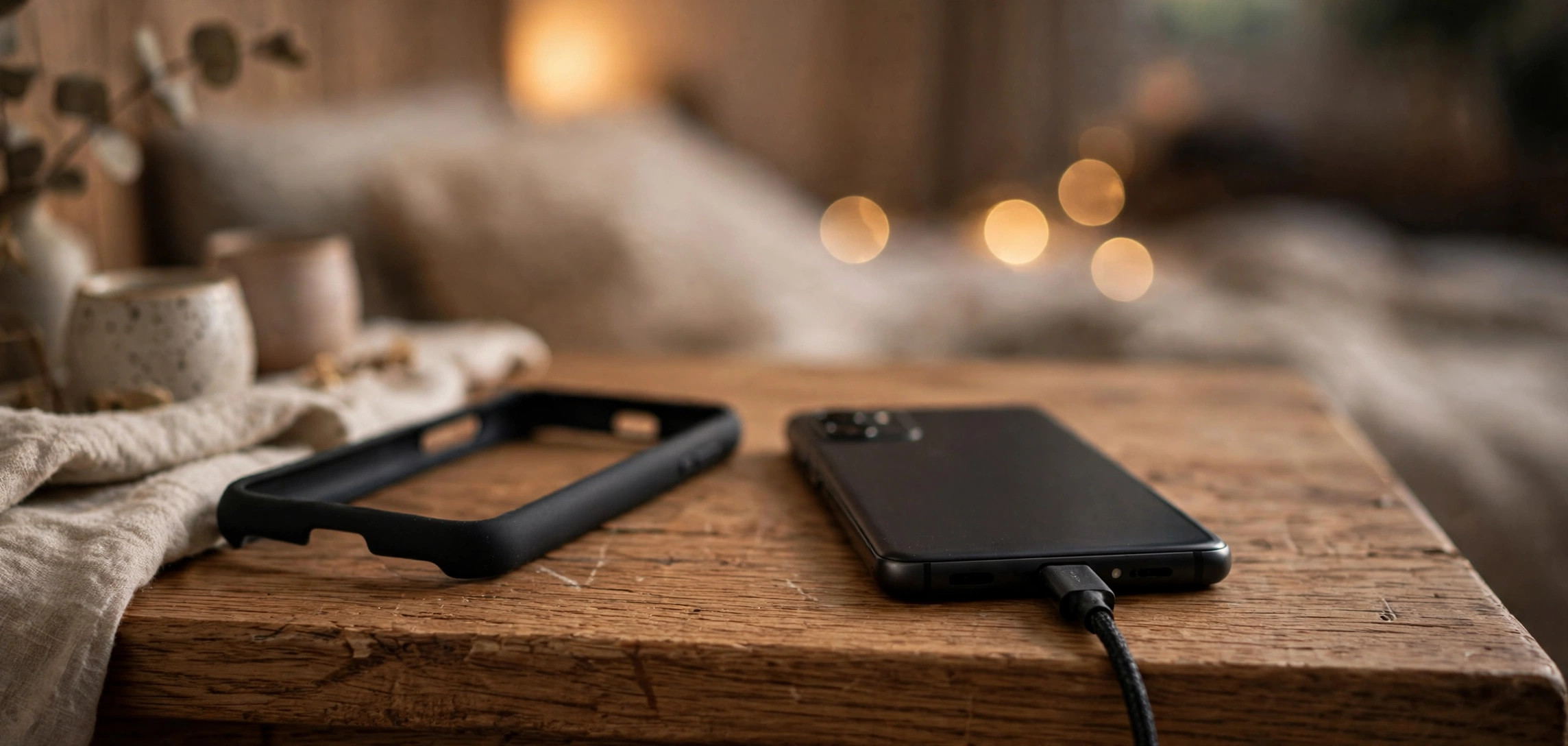
This is the simplest test in the whole guide and it diagnoses the problem in seconds. Thick cases — especially rugged, leather, and waterproof ones — insulate the phone precisely when it needs airflow.
- Unplug the phone and remove the case completely.
- Plug it back in and charge for 15 minutes.
- Feel the back of the phone. If it is noticeably cooler than with the case on, heat trapping was your main issue.
- Going forward, either charge without the case or switch to a thin, ventilated case. Never charge a cased phone under a pillow or blanket — that combination is the worst-case scenario for heat buildup.
Method 3: Close background apps and check battery usage stats
A single misbehaving app can keep the processor at full load while you charge, doubling the heat. Android’s built-in battery stats reveal exactly which app is responsible for android phone overheating while charging.
- Open Settings > Battery > Battery usage (on Samsung: Settings > Battery and device care > Battery, then tap the usage graph).
- Look at the app list sorted by consumption. Any non-system app using a large share while you were barely touching the phone is suspicious.
- Tap the suspicious app and choose Force stop, then set its background usage to Restricted.
- If the same app reappears at the top after a day, uninstall it and find an alternative — a persistently runaway app is not worth keeping.
- Also check for apps you do not recognize at all; aggressive adware and mining malware hide in “utility” apps. When in doubt, uninstall.
- As a general cleanup, close all recent apps before plugging in, and turn off mobile hotspot, Bluetooth, and location while charging if you do not need them.
Method 4: Charge in a cool, ventilated spot
Where you charge matters as much as what you charge with. A phone cannot cool itself if the surrounding air is hot or stagnant.
- Move charging off soft surfaces — beds, sofas, and piles of clothes insulate the phone. Use a hard table or desk instead.
- Keep the phone out of direct sunlight and away from heat sources like room heaters and kitchen counters.
- Charge in a ventilated room. In hot climates, charging in an air-conditioned room versus a 38°C room makes a clearly noticeable difference.
- Never leave a charging phone inside a parked car — cabin temperatures can exceed 60°C in the sun, which is dangerous for any battery.
- If the phone is already hot, unplug it and let it cool to room temperature before charging again. Charging an already-hot battery compounds the stress.
Method 5: Stop gaming and heavy use while charging
Using the phone heavily while it charges is asking two heat sources to run at once: the battery absorbing power and the processor burning it. This is the number one cause of android phone overheating while charging among younger users.
- While charging, avoid games (especially BGMI, COD Mobile, and Genshin Impact), video calls, 4K video recording, and prolonged camera use.
- If you must use the phone, stick to light tasks: messaging, reading, music.
- Turn the screen brightness down while charging — the display is a major heat source on its own.
- Consider charging in two shorter sessions around heavy use rather than gaming through a full charge cycle.
- Enable any built-in gaming mode / performance mode cooling features your phone offers, but understand they manage heat, not eliminate it — the real fix is not loading the processor while charging.
Method 6: Update your phone’s software
Manufacturers regularly ship thermal-management improvements — better charging curves, smarter background-app limits, and fixes for specific overheating bugs. An outdated phone may be overheating from a software bug that was fixed months ago.
- Open Settings > System > System update (on Samsung: Settings > Software update > Download and install).
- Install any pending Android or security updates, then restart the phone.
- Update your most-used apps via the Play Store — an outdated app with a known battery-drain bug can be the hidden heat source.
- After updating, charge once and compare temperatures. If a specific update’s changelog mentions “thermal” or “battery” improvements, that was likely your fix.
Method 7: Check your battery health
If your phone is 2+ years old and android phone overheating while charging has been getting gradually worse, the battery itself is the likely cause. Aging batteries develop higher internal resistance, which converts more charging energy into heat.
- On Samsung phones, open the Samsung Members app, go to Support > Phone diagnostics > Battery status and check the reported life/condition.
- On Pixel phones, check Settings > Battery > Battery health (available on newer models).
- On other brands, dial
*#*#4636#*#*in the phone app — on many phones this opens a testing menu with battery information. (This code does not work on all models.) - Alternatively, install a reputable battery monitor app and check the estimated capacity versus the design capacity after a few charge cycles. Below 80% of design capacity means the battery is significantly worn.
- A worn battery also shows companion symptoms: the phone dying at 15–20%, sudden shutdowns, or much shorter screen-on time than when new.
- If the battery is worn, the real fix is a battery replacement, not software tricks — see Method 8.
Method 8: Visit a service center if the battery is swelling
This method is for the danger case from the safety section. If the back panel is bulging, the screen is separating, or the phone rocks on a flat table, stop reading and act:
- Power off the phone immediately if you can do so safely. Do not plug it in “to test.”
- Do not press on the bulge, do not try to remove a sealed battery yourself, and do not put the phone in a bag with other items.
- Take it to the brand’s authorized service center — not a roadside repair shop — and tell them the battery is swelling. They have the procedures to handle it safely.
- Ask for a genuine battery replacement and keep the job sheet. A swollen battery is never “fixed” by software; replacement is the only remedy.
How to prevent overheating while charging
Once android phone overheating while charging is under control, these habits keep it that way:
- Use certified chargers and cables only. This one habit prevents more overheating cases than everything else combined.
- Keep the 20–80% habit. Charging between 20% and 80% most of the time reduces both heat and long-term battery wear versus constant 0–100% cycles.
- Charge on hard, ventilated surfaces and remove thick cases while charging.
- Audit battery-draining apps monthly via Settings > Battery > Battery usage, and uninstall persistent offenders.
- Keep software updated so you always have the latest thermal-management fixes.
- Do not game while charging. If you play daily, consider a phone with bypass charging (which powers the phone directly and skips the battery) for long sessions.
FAQs
Is it normal for my phone to get warm while fast charging?
Yes, up to a point. Fast charging at 25W and above always produces noticeable warmth, especially during the first half of the charge. It becomes abnormal android phone overheating while charging when the phone is too hot to hold comfortably, shows a temperature warning, or throttles performance — that is when the fixes in this guide apply.
Can overheating while charging damage my phone permanently?
Sustained high heat accelerates battery aging — a phone that regularly charges hot will lose capacity faster than one charged cool. In extreme cases heat can also degrade the display adhesive and warp internal components. Occasional warmth is harmless; chronic overheating shortens the phone’s life, which is why fixing it matters.
Should I use a slow charger instead to avoid heat?
For overnight charging, yes — a standard 10–15W charger generates far less heat and is gentler on the battery. Save fast charging for when you actually need speed. Many phones also offer an “optimized charging” or “protect battery” mode that slows the final stretch automatically; turn it on.
Why does my phone overheat only with one particular charger?
Because that charger is the problem. Uncertified or damaged chargers deliver unstable voltage, and your phone’s power management works overtime to compensate — producing heat. The test is simple: one full charge with the original or a certified charger. If the overheating disappears, retire the bad charger permanently.
My phone is 3 years old and now overheats every time it charges. Is it finished?
Probably just the battery. After 2–3 years, rising internal resistance makes the same charging current produce much more heat — classic android phone overheating while charging in older phones. A genuine battery replacement at an authorized service center typically restores normal temperatures and is far cheaper than a new phone.
Conclusion
Android phone overheating while charging is usually a stack of small, fixable heat sources rather than one catastrophic fault: a cheap charger, a thick case, a rogue background app, a hot room, or heavy use during charging. Remove those, and most phones charge cool again — the first four methods in this guide resolve the large majority of cases.
Remember the safety line: warmth is normal, but a bulging back panel, a lifting screen, or a chemical smell means stop and visit a service center immediately. For everything short of that, work through the eight methods, adopt the prevention habits, and your phone will charge cooler and live longer. If you are troubleshooting other Samsung-specific issues, our guide to fixing the Camera Failed error on Samsung follows the same systematic approach.